
Check BSD System Warning - Hyundai Santa Fe
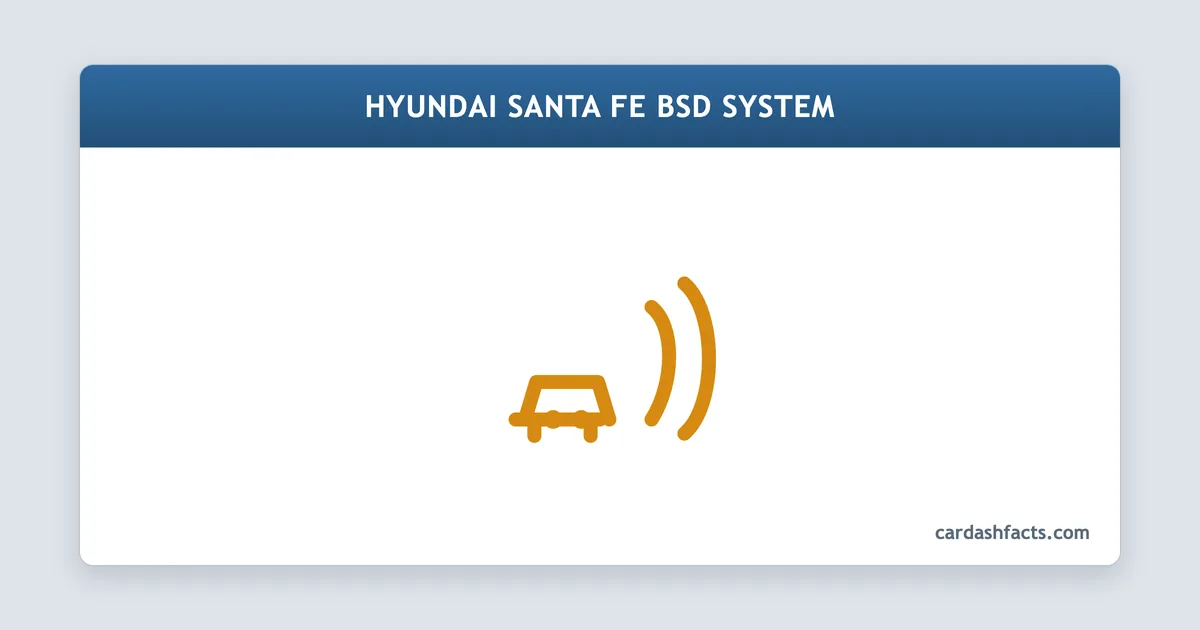
| Light color | Amber |
|---|---|
| Urgency | Service soon (amber) |
| Safe to drive | Yes, with caution - blind spot monitoring is inactive |
| Common cause | Blocked or dirty BSD radar sensor behind the rear bumper |
| DIY or shop | Either |
The 'Check BSD System' message on a Hyundai Santa Fe means the Blind Spot Detection system has detected a fault and shut itself off. The master warning light (an exclamation mark) appears on the instrument cluster at the same time, and the amber indicator lights on both door mirrors go dark.
Most of the time the trigger is something simple - a dirty rear bumper covering the radar sensors, or a brief voltage drop during a battery event. A smaller share of cases require a scanner, sensor calibration, or sensor replacement.
What the BSD system does and where the sensors live
Hyundai's Blind Spot Detection (BSD) system uses two short-range radar modules mounted inside the rear bumper, one on each corner. They sweep a zone beside and slightly behind the vehicle at speeds above roughly 20 mph. When a vehicle enters that zone the corresponding amber triangle on the door mirror illuminates; a lane-change signal while a vehicle is present adds an audible chime and a flashing mirror light.
Because the sensors work through the bumper skin, any material on the exterior surface - mud, compacted snow, ice, or stick-on accessories - degrades the radar return. The system monitors signal quality continuously, and when the return falls below a calibrated threshold it raises the fault and turns itself off rather than give unreliable readings.
- Blind Spot Detection (BSD) WarningAmber
- Meaning: The BSD system has detected a fault and disabled blind spot and rear cross-traffic monitoring. The mirror amber indicators will be inactive.Recommended action: Check rear bumper for dirt, mud, snow, or ice over the sensor areas. Clean gently, cycle the ignition, and see whether the message clears.
Common causes in order of frequency
Blocked sensor (most common). Mud, snow, ice, or road film on the rear bumper corners is responsible for the majority of Check BSD System messages. The fix is to clean the bumper surface over both sensor locations and restart the vehicle.
Bumper impact or misaligned bracket. A light parking collision can shift the sensor mounting bracket by a few millimetres, enough to push the radar beam outside its calibrated window. The vehicle may drive and look normal but the BSD fault will stay set. A dealer scan tool is needed to perform the re-alignment procedure after the bracket is physically reset.
Battery disconnect or low voltage. Replacing the 12 V battery, jump-starting, or extended key-off drain can wipe the module's calibration memory. The system raises a 'Missing Calibration' code and stays off until a scan tool clears it and triggers the self-alignment routine.
Wiring or module fault. Corrosion at the sensor connector, a chafed harness under the bumper, or a failed radar module (left or right) account for a smaller share of cases. These require a dealer diagnostic to pinpoint the exact side and cause.
How to clear the warning yourself
Start with the simple checks before heading to a shop:
- Inspect and clean the rear bumper corners. Look for mud packs, snow, ice, or anything stuck over the sensor areas (roughly the lower 10 cm of each rear corner). Use warm water and a soft cloth - avoid a high-pressure jet aimed directly at the bumper seam.
- Cycle the ignition. After cleaning, turn the car off, wait 30 seconds, then restart. The BSD module performs a self-test on startup. If the signal quality is back within range, the message clears on its own.
- Check for recent bumper contact. If you suspect a minor impact, look for paint scuffs or shifted trim around the rear corners. Even if the bumper looks straight, a displaced sensor bracket may require dealer re-mounting and calibration.
- Scan for fault codes. An OBD-II scanner with Hyundai-specific ADAS coverage can read the BSD module codes directly. Common codes point to the left module, the right module, a wiring issue, or a calibration fault, which tells a technician exactly where to look.
If the message returns after cleaning and a restart, or if the system was working normally until a battery event, a dealer visit is the most efficient next step. Hyundai dealers use dedicated calibration targets to reset the sensor alignment procedure.
Frequently Asked Questions
Q: Can I drive with the Check BSD System warning on?
A: Yes, the vehicle is safe to drive. The BSD system is a convenience feature, not part of the core braking or steering system. With the fault active you simply lose blind spot monitoring and rear cross-traffic alerts, so check your mirrors and blind spots manually until the issue is resolved.
Q: Will the warning clear on its own after I clean the sensors?
A: Often, yes. Clean the rear bumper corners, restart the car, and the module runs a self-test. If the radar signal is back in range, the message disappears without any scanner intervention. If it returns, the cause is something other than surface contamination.
Q: Why did the BSD fault appear right after I changed my battery?
A: BSD modules store calibration data in memory. A battery disconnect can clear that data, leaving the module in an uncalibrated state. The system raises a fault rather than operate on incomplete data. A dealer scan tool clears the code and triggers the sensor self-alignment procedure to restore normal operation.
Q: Does rear bumper damage always require sensor replacement?
A: Not always. If the sensor bracket shifted but the sensor itself is undamaged, a technician can re-seat the bracket and then calibrate the module with a scan tool. Actual sensor replacement is only needed when the module is cracked, water-damaged, or reading outside its hardware limits.
Q: Is the BSD system the same as Blind-Spot Collision-Avoidance Assist (BCA)?
A: On newer Santa Fe models Hyundai markets an upgraded version called Blind-Spot Collision-Avoidance Assist (BCA) that can apply a small steering correction in addition to the warning. The radar hardware and fault messages are nearly identical, and the same cleaning and reset steps apply to both.